For church photo & media teams
Church photos, made easy.
Upload the whole Sunday. Church Photos sorts it, picks the keepers and edits them in your church’s look, so the recap post goes up without the stress.
3 days free, then $49 a month for your whole team.







Sound familiar?
You took the photos. Then they sat in a folder.
Shooting Sunday is the fun part. Everything after it is where good photos go to die.
Hours of culling
Someone clicks through 1,000 frames to find the 50 worth keeping. Every single week.
Files nobody can open
RAW files on a thumb drive or a shared drive. Your social team can’t even preview them.
Five volunteers, five looks
Everyone edits their own way, so your feed looks like it came from five different churches.
The best moments get lost
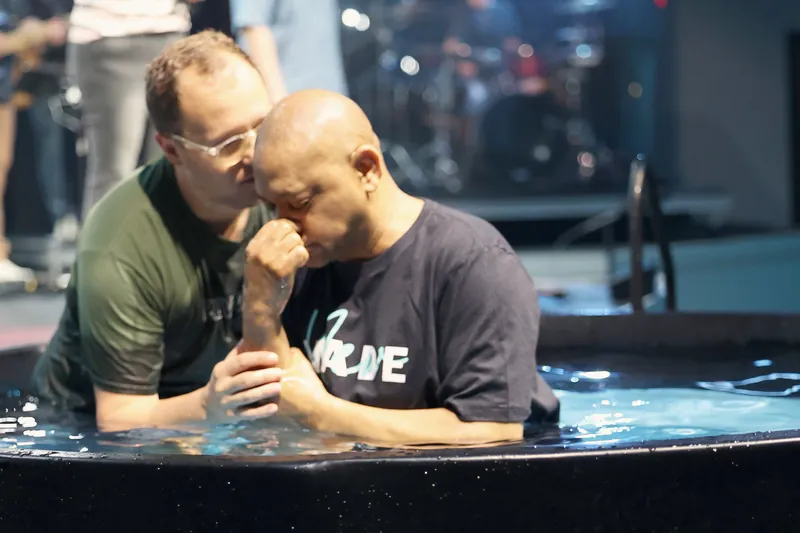
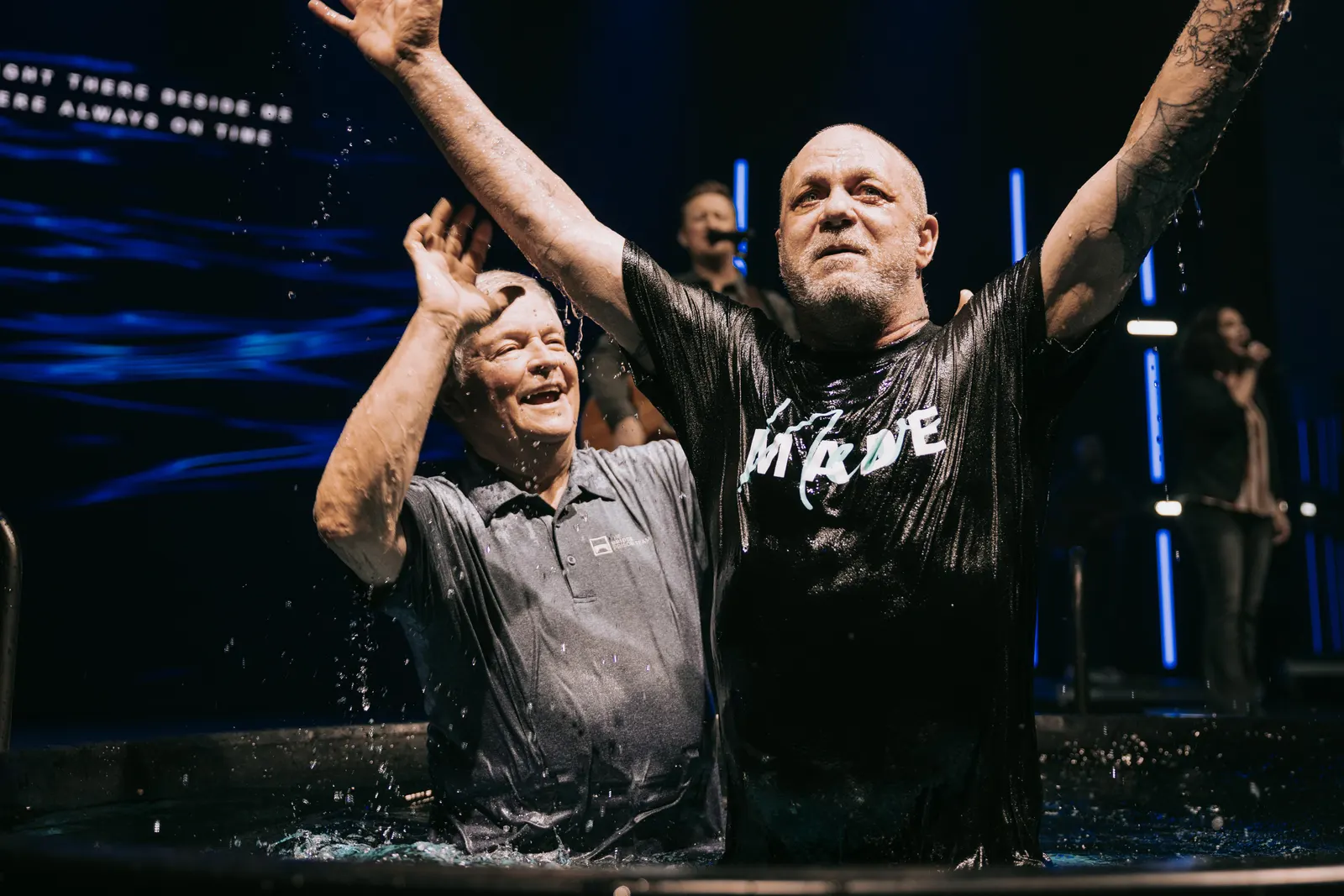
The baptism photo a family would frame never makes it out of the folder.
With Church Photos
Your Sunday recap post, without the stress.
Four steps, and most of them happen on their own.
1Upload
Drop in the whole card.
Uploading Sunday
742 of 1,042 photos
 FN4A5392.CR324.1 MB
 FN4A5393.CR323.8 MB
 IMG_2041.JPGSarah’s phone
 FN4A5394.CR324.4 MB
2Organize
It sorts itself and picks the keepers.
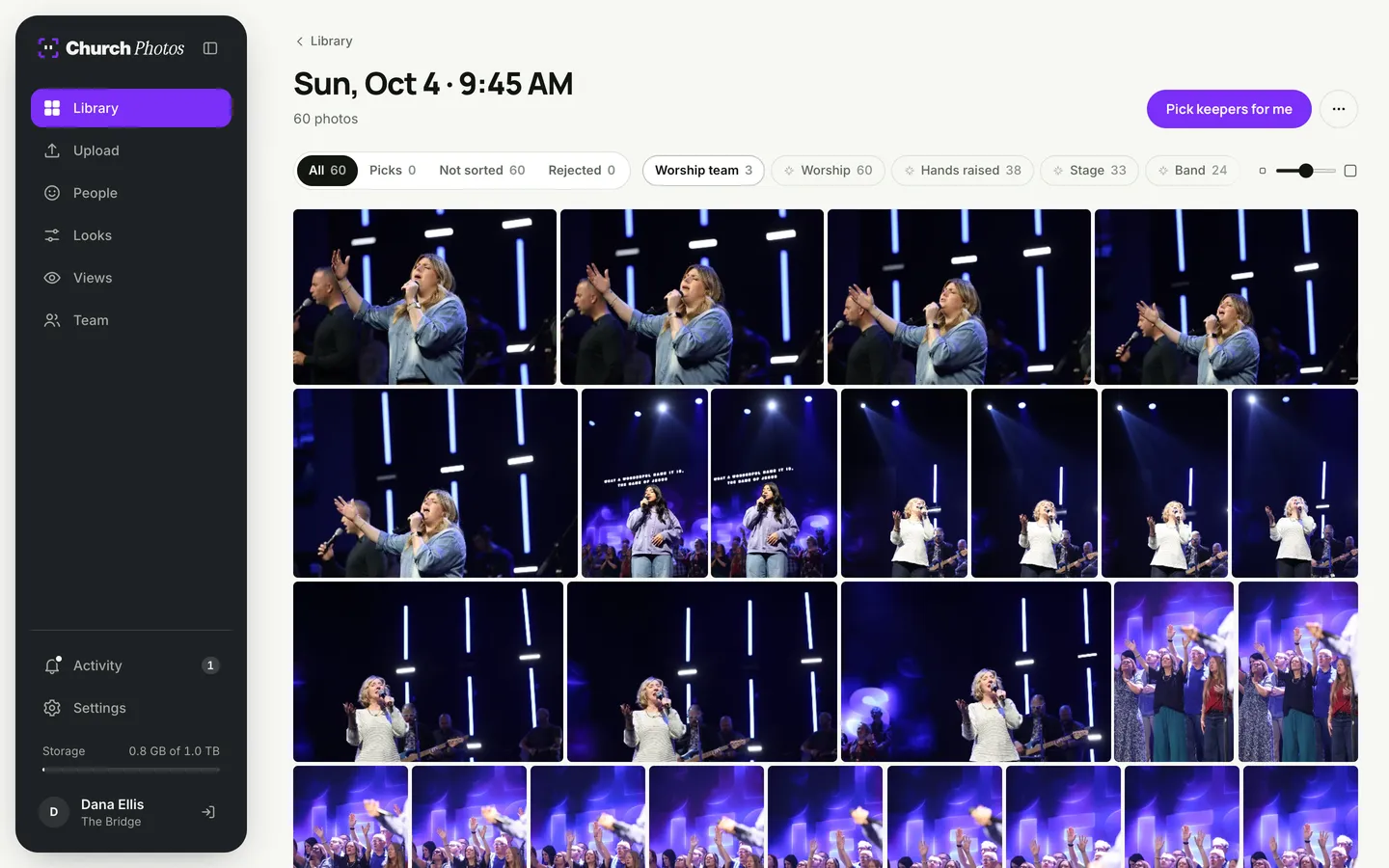
Photos land in the right service and get tagged as they arrive. Press Pick keepers for me and the best frame of every moment is flagged. Blurry shots, blinks and near-duplicates stay out of the way.
3Edit
Your look, on every photo.
4Share
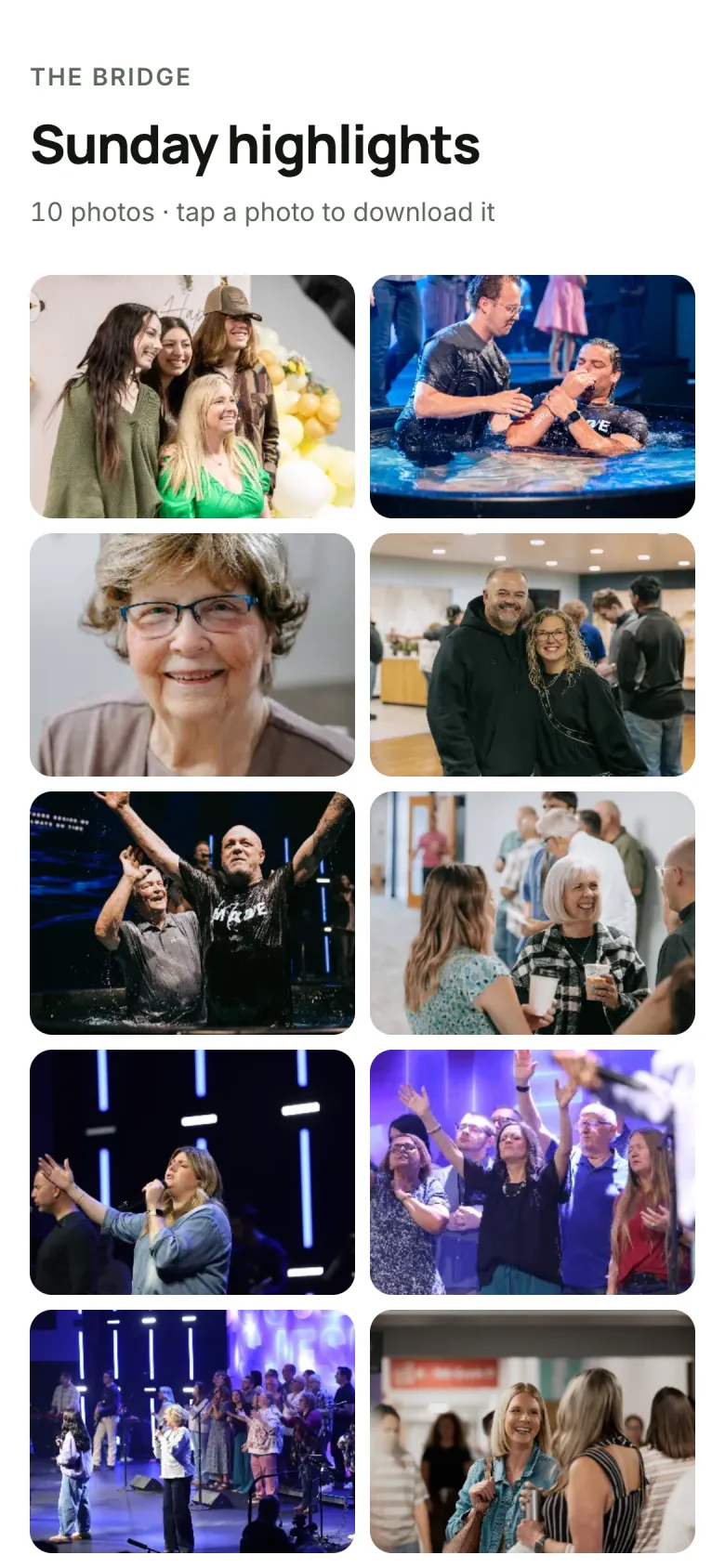
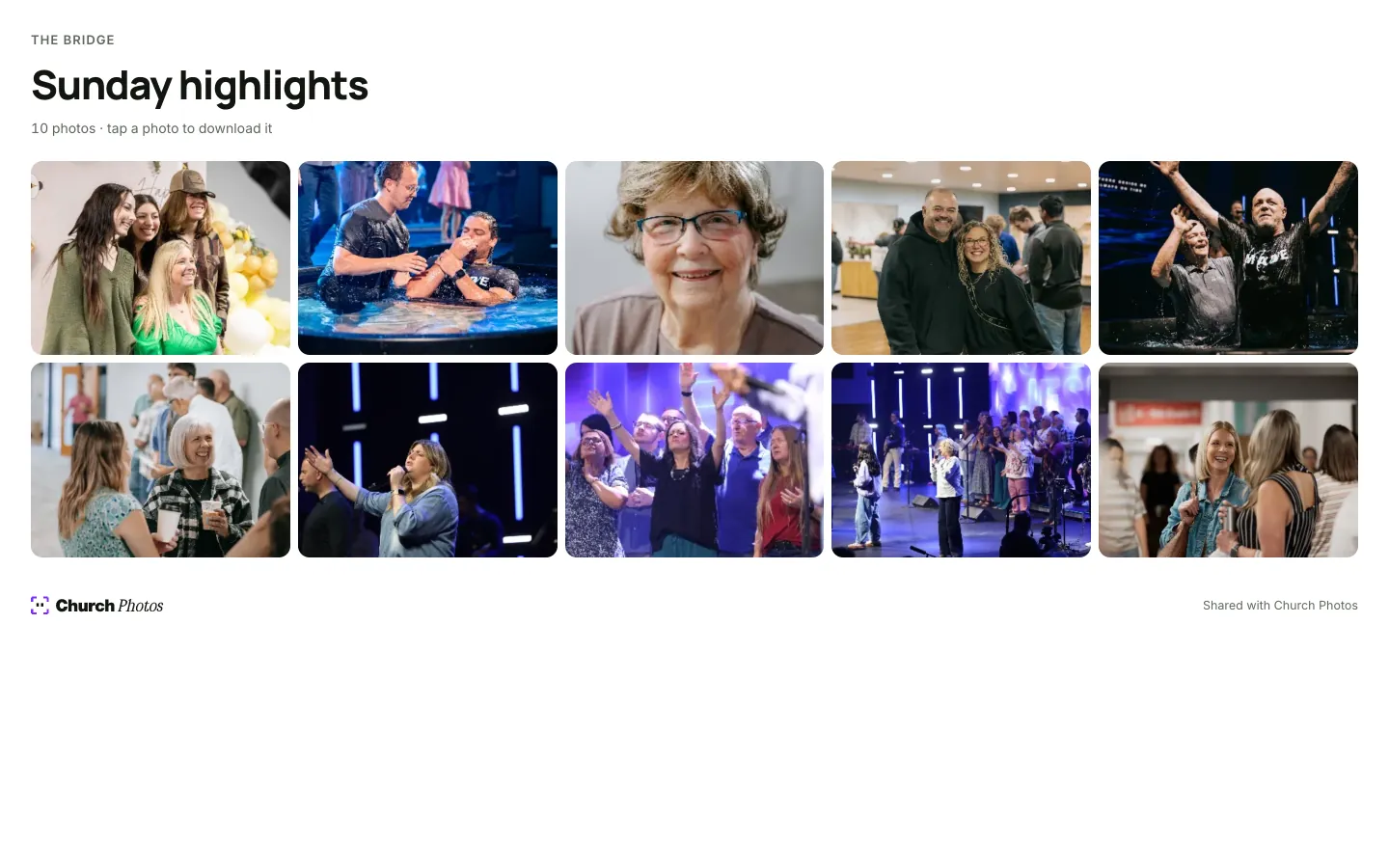
Everyone gets what they need.
The editor
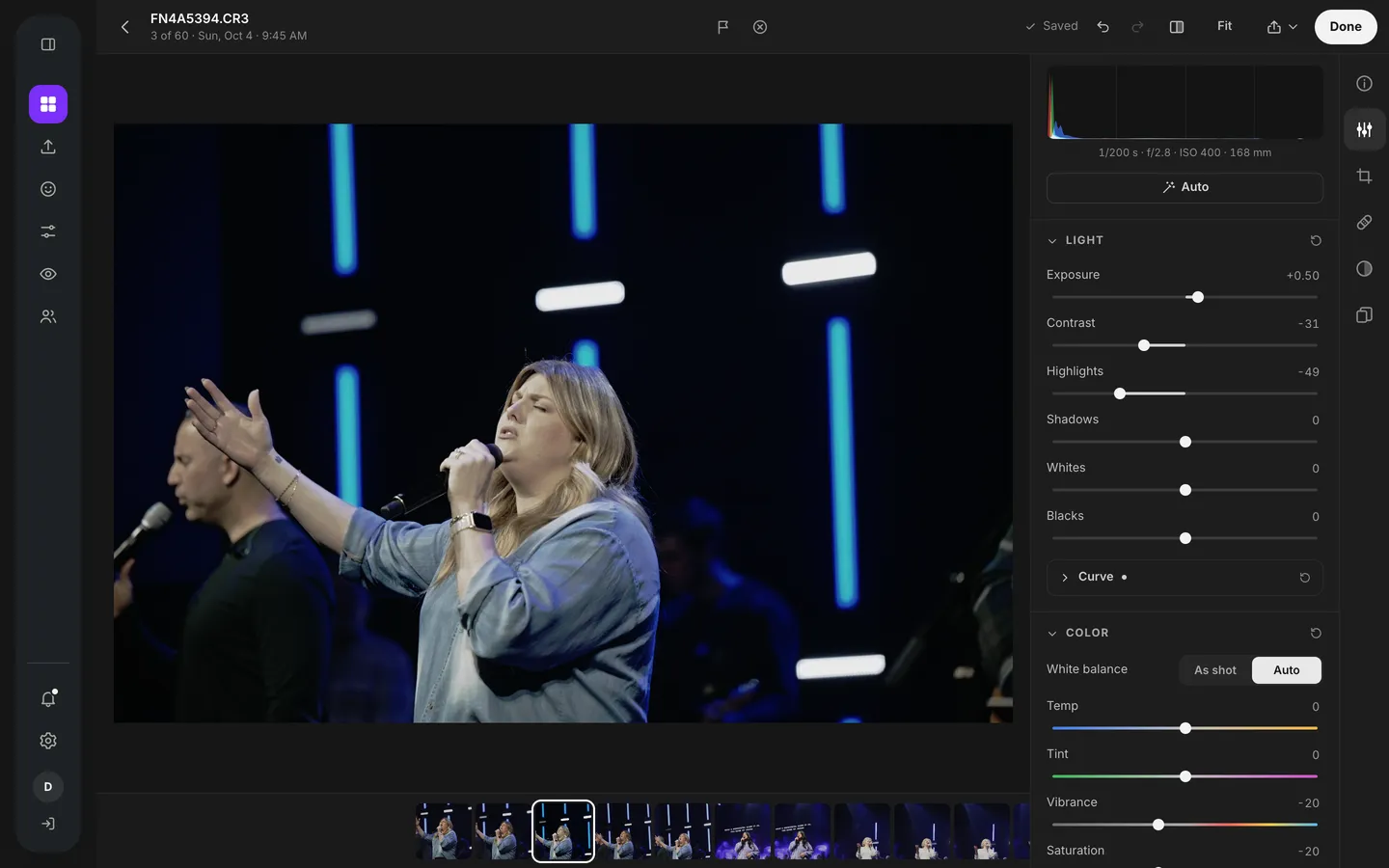
Every slider, when you want one.
Looks get every photo most of the way there. When one needs more, the editor is a click away, built for photographers who live in Lightroom.
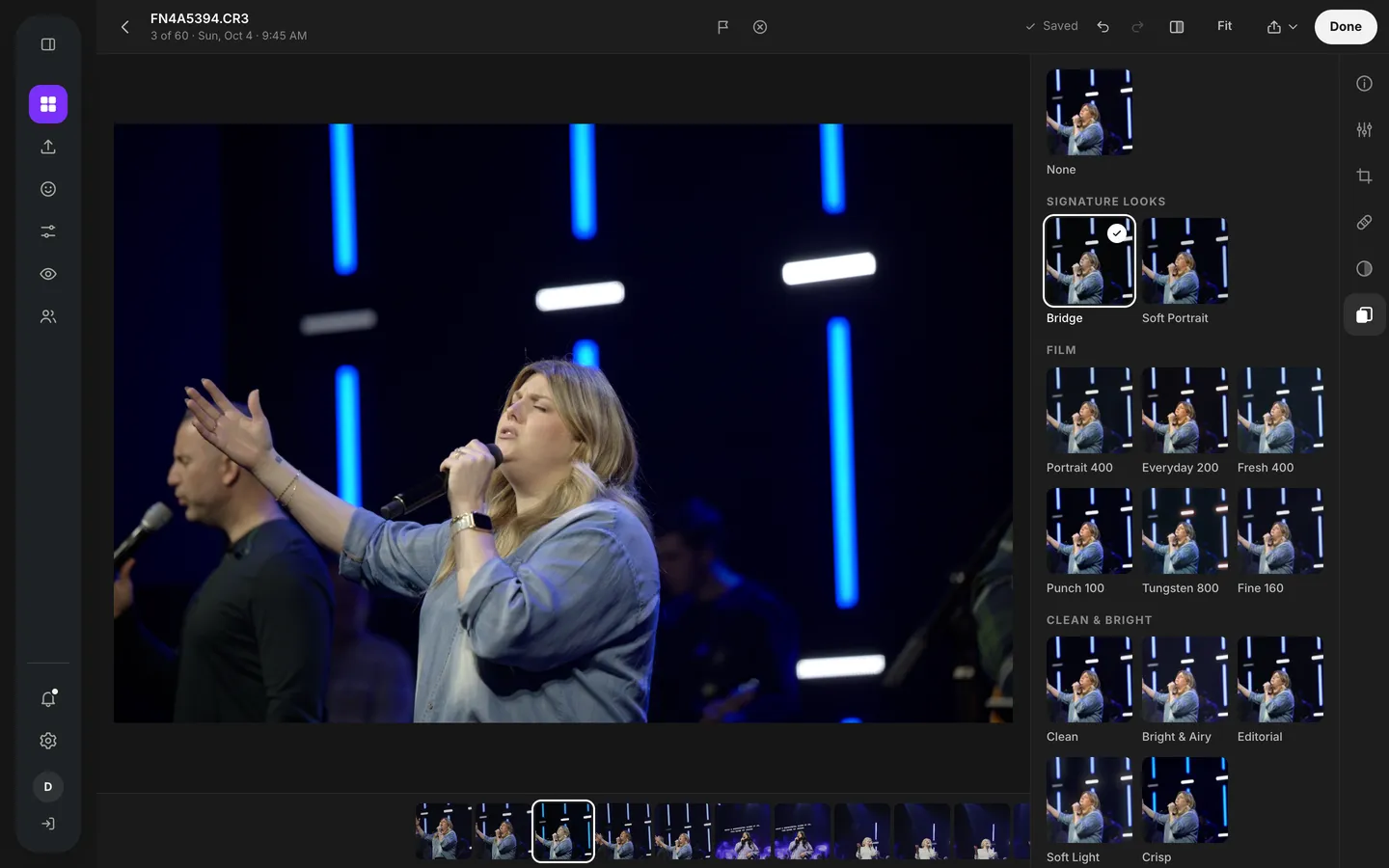
Pick your church’s look and it’s applied to the photo, or to every pick at once.
Kids' privacy
Protect every kid in the room.
Name tags blurred automatically. Check-in stickers with a child's name are found and blurred before a photo is shared.
A blur circle for any child. If a family has asked that their child not be shown, tap their face and they're covered in every copy you share.
One place for the whole team.
Photographers
Upload straight from the camera bag. Your name stays on every shot you took.
Media directors
One library, one look, and a storage meter you can read at a glance.
Social media teams
Search “baptism” or “worship” and have a post ready in minutes.
Families
Get the photos of the moments that matter to them, straight from a link.
The details
Everything it does.
It also stores every photo you keep, so it replaces the shared drive too.
Kids’ privacy
Finds kids’ check-in name tags and blurs them for you. Drop a blur circle over any child who can’t be shown.
AI culling
Sets aside blurry shots, closed eyes and near-duplicates, and keeps the best frame from every burst.
Tags and search
Every photo is tagged on upload, so last Easter’s baptisms are one search away.
Service folders
Photos file themselves by service, using the time each one was taken.
Lightroom presets
Import your .xmp presets. Sliders, curves and color mixer carry over.
A real editor
Light, color, curves, color mixer, crop, and linear and radial masks.
Views
Public pages for a set of photos, with full-size downloads. Turn one off any time.
Volunteer upload links
One link per photographer. No account needed, on a laptop or a phone.
People, kept private
Find every photo of someone on your team. Never shown on a public View.
Storage you can see
A clear meter, plus one-click cleanup of rejects and unedited RAWs.
Pricing
One plan for your whole team.
No per-seat pricing, so every volunteer gets an account, and one plan with everything in it.
$49
a month
or $490 a year, two months free
- 1 TB of storage for every photo you keep
- Unlimited team members and volunteers
- AI culling, tags and private face groups
- Every look, plus your Lightroom presets
- The full editor, masking included
- Public Views with full-size downloads
3 days free, then $49 a month for your whole team.
Need more room? Add storage for $20 a month per terabyte.
Questions
What cameras and files work?
JPEG, HEIC, and RAW files from Canon, Sony, Nikon, Fujifilm and others (CR3, CR2, ARW, NEF, RAF and DNG).
Do we still need Lightroom?
Not for Sunday photos. Import your Lightroom presets so your look carries over, and use the built-in editor for the rest.
Is this for our congregation?
It’s for your photo and media team. When you want everyone to see a set, make a View: a public page where anyone with the link can browse and download those photos.
What happens when our storage fills up?
You’ll see it coming on the storage meter. Clear rejected and unedited photos in one click, set them to clear on a schedule, or add another terabyte for $20 a month.
How do you protect kids’ privacy?
When kids are in a photo, Church Photos looks for check-in name tags and blurs them automatically. If a family has asked that their child not be shown, drop a blur circle over them in the editor. A public View only ever shows the blurred version.
Who can see face groups?
Only signed-in members of your team. Face groups never appear on a public View.
When can we start?
We’re bringing churches in a few at a time. Get early access and we’ll email your invite.
Give your Sunday photos somewhere to go.
Upload last Sunday and watch it sort itself, pick the keepers and come back in your church's look.
3 days free, then $49 a month for your whole team.